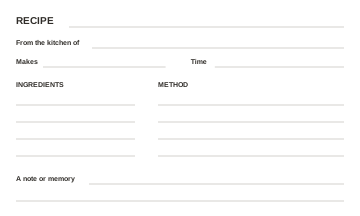
3×5 recipe cards
For small recipe boxes. 3 cards per sheet.
5 inches wide × 3 inches tall after cutting.
Free tool
Download blank recipe cards in 3×5, 4×6 or 5×7 inches, or type a recipe and print your own. Free, with no account or email required.
Free printable templates
Choose your card size, then your printer paper. Each PDF includes crop marks and space for the recipe, its cook, ingredients, method and a family note.
No signup, no email gate, no watermark on the cards. Or type a recipe in the card maker below.
For small recipe boxes. 3 cards per sheet.
5 inches wide × 3 inches tall after cutting.
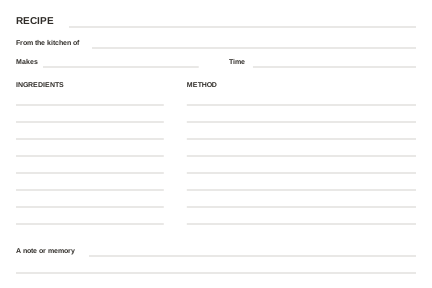
The classic recipe box size. 2 cards per sheet.
6 inches wide × 4 inches tall after cutting.
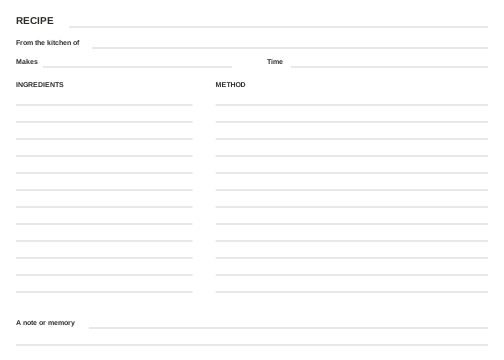
More room for your handwriting. 1 card per sheet.
7 inches wide × 5 inches tall after cutting.
These are blank templates for handwriting, not fillable PDF forms. For long recipes, use the back for extra instructions and label it with the same recipe title.
Keep the original handwritten card safe. A fresh card is a working copy, with room to record who shared it and what still needs checking.
Prefer to type?
Edit the example below, then print from your browser. Copy your text before leaving.
Live preview
Ingredients
Steps
Nonna's rule: rub the garlic on hot toast, never cold.
Designed for a 4×6 card. Check the print preview, paper size and background graphics before printing or saving.
Working from family recipe cards? Our guide to turning recipe cards into a cookbook explains how to collect them and check ingredients and instructions with the people who know them best. Keep a copy of your text before opening the guide.
How it works
Write the title, the time, the ingredients and the steps, one per line, exactly as you would tell a friend.
The card typesets itself as you go: cherry rule, tidy lists, and your margin note in handwriting with a mustard highlighter.
Open your browser’s print dialog, check the preview and paper size, then print or choose Save as PDF if available. Confirm that you have a copy before leaving the page.
From one card to a whole cookbook
When the tin box overflows, forever.recipes organizes your recipes into an online cookbook you can share with the family and export as a print-ready PDF. Your first ten recipes are free with no card and no trial clock.
Good to know
Choose the card size and the PDF for your paper: US Letter (8.5 × 11 inches) or A4 (210 × 297 mm). Print at Actual size or 100%, not Fit to page, then cut at the crop marks. The 3×5 files have three cards per sheet, 4×6 has two, and 5×7 has one. Print one sheet first and check it with a ruler. These are blank templates for handwriting, not fillable PDF forms.
Yes. Download the blank PDF templates without an account, email address or payment. The cards have no watermark. You can also type a recipe into the free browser editor and print it. Nothing you type leaves your browser.
No. The recipe card maker works without signing up, and nothing you type leaves your browser. If you later want to keep a whole collection of recipes, a free forever.recipes account holds your first ten.
No. This tool keeps your entries only while the page is open; it does not save them to your browser or a forever.recipes account. Leaving, refreshing or clearing the form can lose your work. Before you go, print the card, choose Save as PDF in your browser’s print dialog if available, or copy your text somewhere safe. Opening the print dialog does not confirm that a copy was saved. A PDF cannot be imported back into this form for editing.
The card is sized for a classic 4×6 index card and prints one per page from any browser. For double-sided cards, print the front, flip the sheet, and print the next recipe on the back.
Any paper works, but a heavier stock (around 200-300 gsm cardstock, or pre-cut 4×6 index cards) feels like the real thing and survives a splatter of tomato sauce. Turn on 'background graphics' in your print dialog so the colors come through.
Start a family recipe binder today. The first ten recipes are free, and the whole binder prints as an A5 PDF.
Start your binder